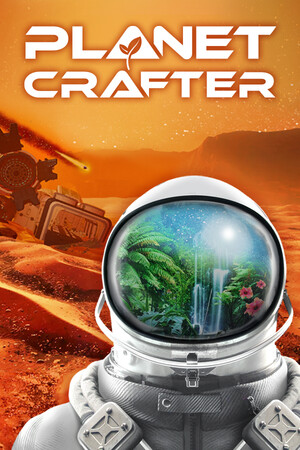
The Planet Crafter Save File 100%
Completed save file for The Planet Crafter on PC. The planet has been pushed through every terraformation stage — from barren rock to clouds, rain, lakes, flowers, trees, insects, fish and animals — and the ending has been reached. Every blueprint and microchip unlock is obtained, all rockets are launched, and the base is fully built out with storage full of rare resources, so you can keep exploring and decorating instead of grinding Ti values.
| Game | The Planet Crafter |
| Platform | PC (Steam) |
| Steam App ID | 1284190 |
| Completion | 100% — Full Terraformation + Ending + All Blueprints |
| Game Version | Latest |
| File Format | The Planet Crafter JSON save |
| File Size | 15 MB (ZIP) |
| Saves Included | Endgame save + mid-game backup |
| Last Updated | October 20, 2026 |
Important: Back up your own saves first. Each world is a single .json file, and copying the download over a file with the same name will replace that world permanently.
%USERPROFILE%\AppData\LocalLow\MijuGames\Planet Crafter and hit Enter..json save files in that folder.The Planet Crafter keeps every world as a separate JSON file, so you can keep your own playthrough side by side with this one. Just make sure the file names are different.
%USERPROFILE%\AppData\LocalLow\MijuGames\Planet Crafter\ as one .json file per world.The Planet Crafter is a survival and terraforming game from Miju Games, fully released in 2024 after a successful Early Access period. You land alone on a hostile planet with almost no oxygen and must build machines that raise heat, pressure, oxygen and biomass until the world can support life.
As the terraformation index climbs, the planet visibly changes: ice melts into lakes, rain starts to fall, grass and trees spread, and eventually insects, fish and animals appear. Along the way you explore wrecks, decode microchips for new blueprints and uncover the mystery of why you were sent there.
Pushing the index all the way to the final stages takes dozens of hours. This save gives you the finished planet and the full blueprint list, ready for building, decorating and exploring.