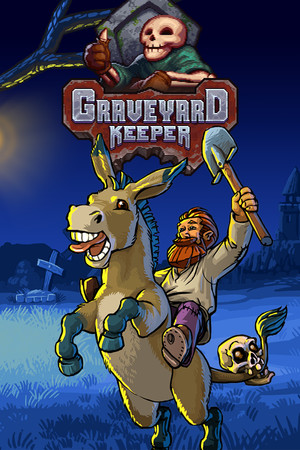
Graveyard Keeper Save File 100% – All Tech + All DLC
Completed save file for Graveyard Keeper on PC. The Keeper has found the way home, every technology tree is fully researched, and both the graveyard and the church are at maximum quality. All NPC questlines are done, the zombie workforce from Breaking Dead is automating production, the tavern from Stranger Sins is running and the Game of Crone refugee camp story is finished.
| Game | Graveyard Keeper |
| Platform | PC (Steam) |
| Steam App ID | 599140 |
| Completion | 100% — Story + All Tech + All DLC |
| Game Version | Latest |
| File Format | .dat + .info (slot save files) |
| File Size | 12 MB (ZIP) |
| Saves Included | Post-ending 100% save + Base-game-only save |
| Last Updated | October 12, 2026 |
Important: Back up your save folder before copying anything. Graveyard Keeper uses Steam Cloud, so disable it for the game first or Steam may replace the new save with your old one.
%USERPROFILE%\AppData\LocalLow\Lazy Bear Games\Graveyard Keeper\ and press Enter.slot_*.dat and slot_*.info files.The main save needs all three DLCs (Breaking Dead, Stranger Sins, Game of Crone). If you only own the base game, use the included base-game-only save instead, which has the story and all base technologies completed.
%USERPROFILE%\AppData\LocalLow\Lazy Bear Games\Graveyard Keeper\ as slot_X.dat and slot_X.info pairs..dat and .info file. Make sure both were copied, and that Steam Cloud is off so the folder is not restored.Graveyard Keeper is a medieval cemetery management sim developed by Lazy Bear Games and published by tinyBuild in 2018. Players wake up in a strange world as the new graveyard keeper and must find a way back to their loved one.
Day to day, the Keeper exhumes and prepares bodies, manages graveyard quality, holds sermons in the church, farms, crafts and trades with a cast of eccentric villagers. Three DLCs added zombie workers, a tavern with its own questline and a refugee camp story.
Researching every technology and reaching maximum graveyard and church quality is a long grind of resources and tech points. This save hands you a fully developed operation with all DLC content completed.