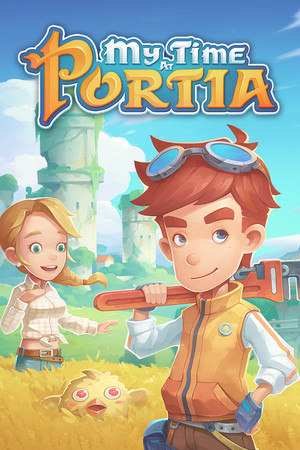
My Time at Portia Save File 100% – Builder Rank #1 + Story Done
Completed save file for My Time at Portia on PC. The main story is finished, your workshop holds Builder Rank #1 with every machine and upgrade unlocked, every ruin is cleared, all relics are donated to the museum, and you are at max relationship with every villager in Portia.
| Game | My Time at Portia |
| Platform | PC (Steam) |
| Steam App ID | 666140 |
| Completion | 100% — Story + Builder Rank #1 + Max Relationships |
| Game Version | Latest |
| File Format | Pathea save slot files |
| File Size | 12 MB (ZIP) |
| Saves Included | Post-game free-roam save + Pre-finale save |
| Last Updated | October 11, 2026 |
Important: Back up your save folder before replacing anything. My Time at Portia also syncs through Steam Cloud, so disable it for the game first to stop Steam from restoring your old save.
%USERPROFILE%\AppData\LocalLow\Pathea Games\My Time at Portia\ and press Enter.The ZIP contains a post-game save with everything finished and a save right before the story finale so you can experience the ending yourself. Both work with the final patch of the game on Steam.
%USERPROFILE%\AppData\LocalLow\Pathea Games\My Time at Portia\ (usually C:\Users\[YourName]\AppData\LocalLow\Pathea Games\My Time at Portia\).My Time at Portia is a life simulation and crafting RPG developed by Pathea Games and released in 2019. Players inherit a run-down workshop in the post-apocalyptic town of Portia and work their way up to become its most respected builder.
The game mixes building and crafting machines, completing town commissions, exploring dangerous ruins for salvage, light combat, and making friends (or romance) with dozens of charming villagers.
Reaching Builder Rank #1, unlocking every machine and maxing every relationship takes over a hundred hours. This save delivers that finished state instantly, ready for free roam or the story finale.