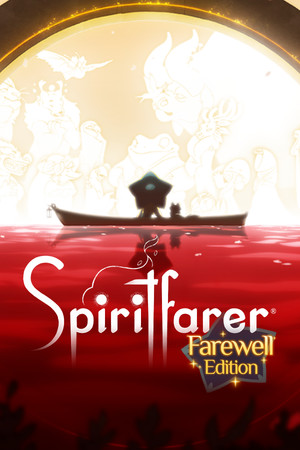
Spiritfarer Save File 100% – All Spirits + Max Boat
Completed save file for Spiritfarer: Farewell Edition on PC. Stella has guided every spirit, including those added in the free Farewell updates, through the Everdoor. The boat is expanded to its maximum size with every building fully upgraded, all Everlight abilities are learned, every island is charted and every recipe is cooked.
| Game | Spiritfarer |
| Platform | PC (Steam) |
| Steam App ID | 972660 |
| Completion | 100% — All Spirits + All Upgrades |
| Game Version | Latest |
| File Format | .json + .bak save files (Unity) |
| File Size | 6 MB (ZIP) |
| Saves Included | Post-ending 100% save + Pre-ending save |
| Last Updated | October 12, 2026 |
Important: Back up your save folder before copying anything. Spiritfarer uses Steam Cloud, so disable it for the game first or Steam may overwrite the new save with your old one.
%USERPROFILE%\AppData\LocalLow\Thunder Lotus Games\Spiritfarer\ and press Enter.The pre-ending save stops just before the final voyage, so you can still experience the ending yourself with every upgrade already in place. The post-ending save lets you keep sailing and finishing leftover achievements.
%USERPROFILE%\AppData\LocalLow\Thunder Lotus Games\Spiritfarer\[SteamID]\.Spiritfarer is a cozy management game about dying, developed and published by Thunder Lotus Games in 2020. Players take the role of Stella, the new Spiritfarer, ferrying spirits across the sea before guiding them to the afterlife.
Stella builds and upgrades her boat with gardens, kitchens, forges and guest houses, gathers resources across a hand-drawn archipelago and cares for each spirit by cooking their favorite meals and completing their personal requests. The Farewell Edition added new spirits, stories and activities in free updates.
Fully upgrading the boat and seeing every spirit off takes dozens of hours of sailing and crafting. This save gives you the finished journey, ready to revisit or to experience the ending with everything unlocked.