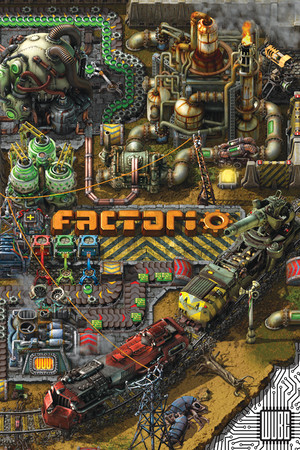
Factorio Save File 100% – Rocket Launched + All Research
Completed save file for Factorio on PC. The rocket has been launched, every technology in the tree is researched and the factory has grown into a megabase producing all science packs at scale. A full train network, solar fields, nuclear power and an armed perimeter keep everything running while infinite research ticks away.
| Game | Factorio |
| Platform | PC (Steam) |
| Steam App ID | 427520 |
| Completion | 100% — Rocket Launched + All Research |
| Game Version | Latest |
| File Format | Factorio .zip save |
| File Size | 45 MB (ZIP) |
| Saves Included | Megabase save + early rocket-launch save |
| Last Updated | October 13, 2026 |
Important: Factorio save files are themselves .zip archives. Do not extract the inner save file — copy it into the saves folder as a .zip, or the game won't see it.
%APPDATA%\Factorio\saves\ and press Enter..zip into the saves folder.Loading a save made with a newer game version requires updating Factorio first. Achievements are disabled for saves that were created with console commands — this save was played normally, so achievements still work.
%APPDATA%\Factorio\saves\ — each save is a single .zip file.Factorio is a factory-building and automation game developed and published by Wube Software, released in full in 2020 after years in early access. Crash-landed on an alien planet, you mine resources, build production lines and research technology with the goal of launching a rocket into space.
The game is famous for its deep logistics: conveyor belts, inserters, trains, circuit networks and robots all work together, and the planet's native biters attack harder as your pollution spreads.
Scaling up to a megabase takes hundreds of hours of planning and rebuilding. This save hands you a fully researched, rocket-launching factory so you can study the layouts, expand further or just enjoy watching it run.