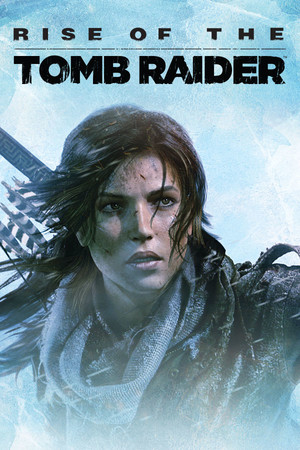
Rise of the Tomb Raider Save File 100%
Completed save file for Rise of the Tomb Raider on PC. Lara's hunt for the Divine Source in Siberia is finished, and every area shows 100%: all challenge tombs and crypts are cleared, all documents, relics, murals, monoliths, coin caches and survival caches are found, and every side mission and challenge is done. All skills are learned, every weapon and outfit is unlocked and upgraded, and the Baba Yaga and Cold Darkness Awakened DLC chapters are completed too.
| Game | Rise of the Tomb Raider |
| Platform | PC (Steam) |
| Steam App ID | 391220 |
| Completion | 100% — Story + All Tombs + All Collectibles |
| Game Version | Latest |
| File Format | Steam Cloud remote save |
| File Size | 3 MB (ZIP) |
| Saves Included | 100% post-game save + DLC saves |
| Last Updated | October 20, 2026 |
Important: Rise of the Tomb Raider stores saves in Steam's userdata folder and syncs them through Steam Cloud. Disable Steam Cloud and back up the remote folder first, or Steam will restore your old progress.
C:\Program Files (x86)\Steam\userdata and go into the folder named after your Steam user ID.391220\remote and back up everything inside it.remote folder and confirm overwrite.If you have more than one Steam account on this PC, there will be more than one numbered folder in userdata. Pick the one that already contains a 391220 folder.
<Steam folder>\userdata\<user-id>\391220\remote\.Rise of the Tomb Raider is the 2015 sequel to the Tomb Raider reboot, developed by Crystal Dynamics and released on PC in 2016. Lara follows her late father's research into the lost city of Kitezh and the Divine Source, racing the paramilitary order Trinity across the Siberian wilderness.
The sequel greatly expanded the optional content: larger hub areas, full-size challenge tombs with environmental puzzles, crypts, side missions from the Remnant people, and a crafting system for ammo, gear and upgrades. Learning ancient languages through murals and monoliths reveals more coin caches and secrets.
Finding every collectible and finishing every tomb across Siberia is a big task. This save has the full game at 100%, including the main DLC chapters, ready for free exploration or New Game-style replays of your favorite areas.