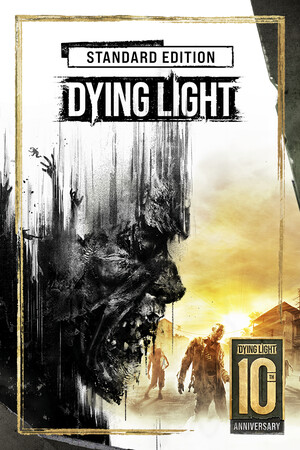
Dying Light Save File 100% – Full Story + The Following
100% complete save file for Dying Light on PC. The Harran main story and The Following expansion are both finished, every side quest and challenge is done, the Survivor, Agility, Power and Driving skill trees are fully maxed (including Legend levels progress), and all blueprints, notes and collectibles are found.
| Game | Dying Light |
| Platform | PC (Steam) |
| Steam App ID | 239140 |
| Completion | 100% — Story + The Following + All Side Content |
| Game Version | Latest |
| File Format | save_main_0.sav (Chrome Engine 6 save format) |
| File Size | 3 MB (ZIP) |
| Saves Included | Post-story Harran save + The Following save |
| Last Updated | October 10, 2026 |
Important: Back up your existing save folder before replacing anything, and disable Steam Cloud for Dying Light first — otherwise Steam may restore your cloud copy over the new save the next time you launch the game.
C:\Program Files (x86)\Steam\userdata\[SteamID]\239140\remote\out\save\save_main_0.sav file by copying them elsewhere.save folder, overwriting the existing ones.Dying Light stores one main save per character slot. Copy only the provided files — the co-op bounties and Legend levels are partly tracked online and will resync the first time you connect.
C:\Program Files (x86)\Steam\userdata\[SteamID]\239140\remote\out\save\Dying Light is an open-world survival horror game developed by Techland and released in 2015. Players control Kyle Crane, an undercover operative dropped into the quarantined city of Harran during a viral outbreak that turns its population into the infected.
Its parkour movement system, brutal melee combat and dramatic day-night cycle — where slow walkers give way to deadly Volatiles after dark — made it one of the most popular zombie games of its generation. The Following expansion adds a large countryside map and a drivable buggy.
Reaching full completion requires finishing both campaigns, every side quest and challenge, maxing four skill trees and tracking down hundreds of collectibles. This save delivers that state instantly, ready for co-op or Nightmare runs.