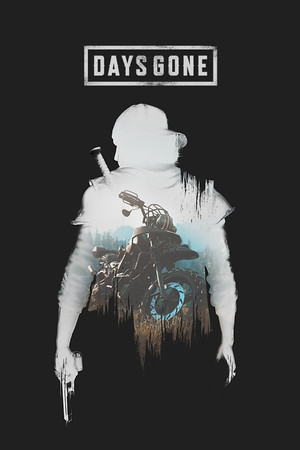
Days Gone Save File 100% – Main Story + All Hordes Cleared + All Achievements Complete
100% complete save file for Days Gone PC. The main story and every side mission are completed, all Freaker Hordes are cleared, every camp sits at maximum trust, the Drifter bike is fully upgraded, and all Steam achievements are unlocked.
| Game | Days Gone |
| Developer | Bend Studio |
| Platform | PC (Steam) |
| Completion | 100% — Main Story + All Side Missions + All Hordes |
| Steam App ID | 1259420 |
| Save Path | %UserProfile%\AppData\Local\BendGame\Saved\[SteamID]\SaveGames\ |
| Save File | Numbered save slot (highest slot) |
| File Size | ~20 MB (ZIP) |
| Last Updated | July 2026 |
Important: Days Gone doesn't sync through Steam Cloud by default, but back up your existing SaveGames folder before replacing anything, just in case.
%localappdata%\BendGame\Saved\, then open the folder named after your Steam ID, then SaveGames (paste into Explorer, or press Win + R and type %localappdata%\BendGame\Saved).Hordes & NG+: Freaker Hordes are Days Gone's signature large-scale enemy encounters, and clearing every one is one of the game's toughest completion requirements. This save has all of them cleared, alongside a fully maxed bike and camp trust levels.
%UserProfile%\AppData\Local\BendGame\Saved\[SteamID]\SaveGames\. Steam App ID 1259420.Days Gone is an open-world action-adventure survival game developed by Bend Studio, originally released on PlayStation 4 in 2019 before arriving on PC in May 2021. Players control Deacon St. John, a former outlaw biker navigating a post-apocalyptic Pacific Northwest overrun by mutated infected called Freakers.
The game centers on Deacon's customizable Drifter motorcycle, which serves as his lifeline for fast travel and survival, alongside large-scale Freaker Horde encounters that can number in the hundreds. A branching camp reputation system, NERO research sites, and a lengthy main story exploring Deacon's past round out the core progression loop.
Days Gone received a strong post-launch content update on PC adding Horde Assault and Challenge modes, and though a sequel was never greenlit by Sony, it built a dedicated fanbase for its open-world survival design and biker-gang atmosphere.