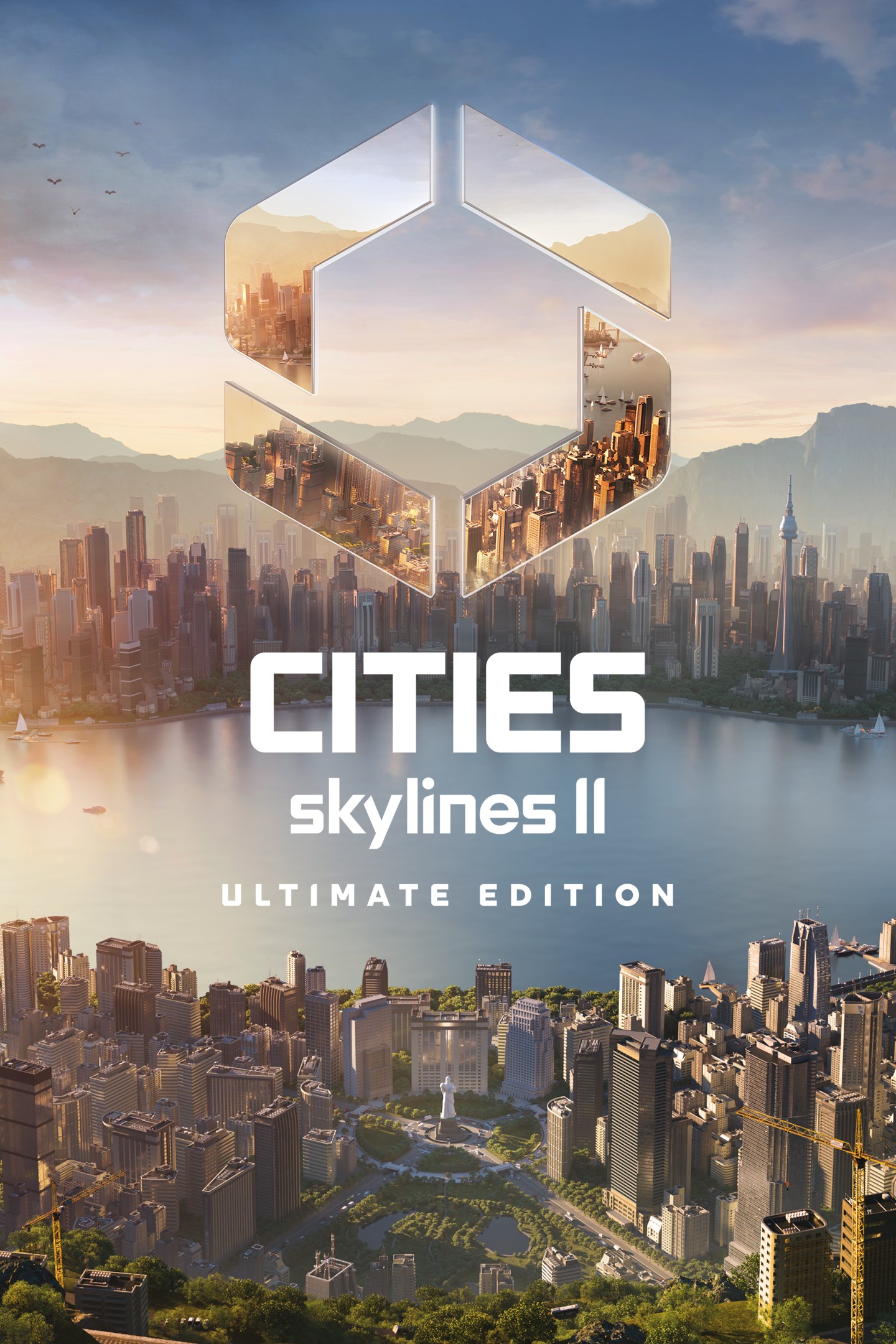
Cities: Skylines II

Cities: Skylines II Save File 100% – 1M+ Population Megacity + All Milestones + All Unlocks

Verified & Safe PC (Steam) Updated June 2026 Latest Patch

100% complete save file for Cities: Skylines II PC. A sprawling megacity with 1,000,000+ population, all 20 milestones reached, every zoning density and specialization unlocked, a full multi-modal transit network (metro, trains, buses, trams, ferries, and an international airport), all city service buildings and policies unlocked, and a stable, positive city budget.

Save File Details
GameCities: Skylines II
DeveloperColossal Order
PlatformPC (Steam)
VersionLatest (all patches)
Completion100% — All Milestones + Megacity
Population1,000,000+
Steam App ID949230
Save PathC:\Users\[Username]\AppData\LocalLow\Colossal Order\Cities Skylines II\Saves\
Save File[CityName].cok
File Size~120 MB (ZIP)
Last UpdatedJune 2026
What's Included
1,000,000+ population megacity
All 20 milestones reached (max city level)
All residential/commercial/industrial density unlocked
All specialized industries unlocked
Full road hierarchy, highways to local streets
Complete public transit (metro, train, bus, tram, ferry)
International airport built and operational
All city service buildings unlocked and upgraded
All policies available and tuned
Positive, stable city budget
High land value and happiness across districts
All Steam achievements unlocked
cities-skylines-2-100-save.zip ~120 MB .cok file included Virus-free verified
How to Install

Important: Cities: Skylines II save files can be large and are named after your city, not a Steam ID, so there's no renaming step — but disable Steam Cloud before installing, back up your existing saves, and make sure you have enough free disk space, since megacity saves can run well over 100 MB.

1
In Steam, right-click Cities: Skylines II → Properties → General → disable Steam Cloud.
2
Navigate to the save folder: C:\Users\[YourUsername]\AppData\LocalLow\Colossal Order\Cities Skylines II\Saves\ (paste into Windows Explorer, or press Win + R and type %appdata%\..\LocalLow\Colossal Order\Cities Skylines II\Saves)
3
Backup your existing save files by copying the folder to your desktop.
4
Download and extract the .zip file. Copy the extracted .cok file into the Saves folder.
5
Launch Cities: Skylines II, go to Load Game, and select the imported city from the list.
6
Give the city a moment to fully load (megacity saves take longer) — you should see the full 1M+ population skyline and transit network appear.

Save file naming: Cities: Skylines II identifies saves by the city name stored in the .cok file and shown in the Load Game browser, not by any account ID, so the imported city will simply appear as a new save to load. The save contains the full simulation state: all placed roads and buildings, zoning, service coverage, transit lines and vehicles, citizen and business population data, budget/policy settings, and unlocked milestone progression.

Frequently Asked Questions
Is this Cities: Skylines II save file safe to use?
Yes. Cities: Skylines II is entirely singleplayer with no online multiplayer, leaderboards, or anti-cheat tied to save data. Loading a downloaded city save only affects your local game and carries no risk to your Steam account.
Where is the Cities: Skylines II save file location on PC?
Saves are stored at C:\\Users\\[Username]\\AppData\\LocalLow\\Colossal Order\\Cities Skylines II\\Saves\\ as .cok files named after the city. Steam App ID 949230.
How big is this city and will my PC handle it?
The included city has over 1,000,000 population, which is a genuinely large simulation — performance depends heavily on your CPU (Cities: Skylines II is CPU-bound more than GPU-bound). A mid-range modern CPU should handle it, but very old hardware may see reduced simulation speed at this population size, same as if you'd built it yourself.
Are all milestones and unlocks included?
Yes. All 20 city milestones have been reached, unlocking every zoning density tier, specialized industry, service building, and policy in the base game. Nothing is gated behind further milestone progress.
Is the transit network complete?
Yes, the save includes a full multi-modal transit system: metro lines, commuter and cargo trains, bus and tram routes, ferry lines, and an international airport, all actively serving the city's population and keeping traffic reasonably manageable at this scale.
Is the city's budget stable or will it go bankrupt?
The save is tuned for a positive, stable budget at the point of download — city income covers service upkeep with room to spare. Ongoing balance will depend on decisions you make afterward (new expansions, tax changes, etc.), same as any city.
Does this save include any DLC content or expansions?
The base save uses only base-game content so it loads correctly regardless of which DLCs you own. If you have Cities: Skylines II expansion packs installed, their content will simply be available as additional options going forward, not retroactively built into the existing city.
Can I keep expanding the city after loading this save?
Yes — this is meant as a fully-developed starting point, not a finished/locked city. You can keep expanding the map, add new districts, tweak zoning, adjust transit, or start fresh new development areas exactly as you would with any city you built from scratch.
About Cities: Skylines II

Cities: Skylines II is a city-building simulation game developed by Colossal Order and published by Paradox Interactive, released in 2023 as the sequel to the hugely popular original Cities: Skylines. Players design and manage a city from a small starting settlement, zoning residential, commercial, and industrial areas, laying out road networks, and providing public services (power, water, healthcare, education, fire, police) as the population and its needs grow more complex.

The sequel deepens the original's simulation with individual citizen agent tracking (each resident has a job, home, and daily routine simulated economically), more granular building specializations, an overhauled economy system tying resource production to real supply chains, and expanded transit options including a proper metro and improved regional train/air/ferry connections. Progression is gated behind a milestone system: as population and development grow, new milestones unlock additional zoning density tiers, building types, service buildings, and city-wide policies.

City-building sims like this one don't have a traditional 'ending' — 100% completion is generally understood as reaching the final milestone (unlocking everything the base game offers), while building out a large, functional, well-balanced city that handles traffic, budget, and citizen happiness at real scale. A million-plus population megacity with a complete transit network and balanced budget, as included in this save, represents dozens to hundreds of hours of careful planning that would otherwise take a dedicated player weeks of real playtime to build from an empty map.

Related Save Files