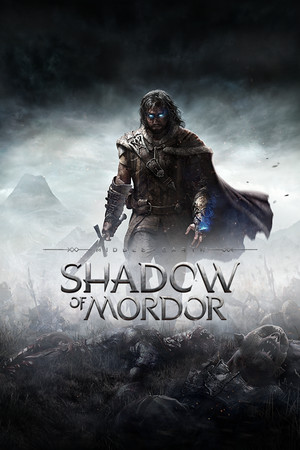
Middle-earth: Shadow of Mordor Save File 100% – All Regions + Runes
100% complete save file for Middle-earth: Shadow of Mordor on PC. Both Udun and Nurnen regions are fully captured and held, every rune and artifact collected, all main and side missions finished, and the Bright Lord epilogue DLC unlocked.
| Game | Middle-earth: Shadow of Mordor |
| Steam App ID | 241930 |
| Platform | PC (Steam) |
| Completion | 100% — All Regions + Bright Lord DLC |
| Game Version | Latest (2026) |
| File Format | .sav (LithTech Firebird save format) |
| File Size | 5 MB (ZIP) |
| Saves Included | Full campaign + Bright Lord epilogue |
| Last Updated | September 2026 |
Important: Always backup your current saves before installing. Shadow of Mordor stores saves per-Steam-ID under WB Games — back up first.
C:\Users\[Name]\Documents\WB Games\Shadow of Mordor\[SteamID]\Save\[SteamID]\Save folder.If you don't know your Steam ID folder, launch the game once so it creates the folder automatically, then close it before copying the save files in.
C:\Users\[Name]\Documents\WB Games\Shadow of Mordor\[SteamID]\Save\.Middle-earth: Shadow of Mordor is an action-adventure game developed by Monolith Productions and published by Warner Bros. Interactive Entertainment, released in September 2014. Set between the events of The Hobbit and The Lord of the Rings, it follows ranger Talion, who is bound to the wraith Celebrimbor after his death, granting him supernatural abilities as he seeks revenge against the forces of Sauron in Mordor.
The game is best known for introducing the Nemesis System, a dynamic mechanic that generates persistent, procedurally evolving Orc captains who remember past encounters with the player, rise in rank after defeating Talion, and develop personal rivalries over the course of a playthrough. Combat blends Batman-style free-flow melee with stealth takedowns, ranged attacks and wraith abilities like Shadow Strike.
Shadow of Mordor won multiple Game of the Year awards for its innovative Nemesis System, which went on to be patented and became the foundation for its 2017 sequel, Middle-earth: Shadow of War.