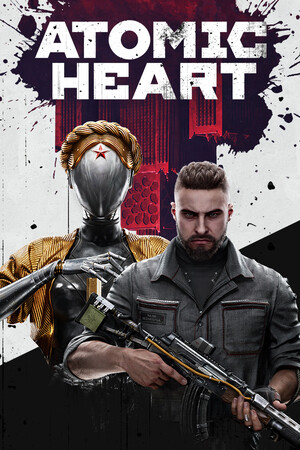
Atomic Heart Save File 100%
Completed save file for Atomic Heart on PC. Major Nechaev has reached the end of the story at Facility 3826, and every one of the Testing Grounds scattered across the open world has been cleared and looted. All weapon blueprints and cartridges are collected, every melee and ranged weapon is fully upgraded at NORA, the Polymer Glove has Shok, Frostbite, Telekinesis, Polymer Jet and Mass Telekinesis maxed, and all neuropolymer skills are purchased.
| Game | Atomic Heart |
| Platform | PC (Steam) |
| Steam App ID | 668580 |
| Completion | 100% — Story + All Testing Grounds + All Upgrades |
| Game Version | Latest |
| File Format | .sav |
| File Size | 2 MB (ZIP) |
| Saves Included | 1 fully completed profile |
| Last Updated | October 21, 2026 |
Important: Atomic Heart syncs saves via Steam Cloud. Right-click the game in your Steam Library → Properties → General and turn off Steam Cloud before copying the files, and back up your existing saves first.
%LOCALAPPDATA%\AtomicHeart\Saved\SaveGames\ and press Enter..sav files into that folder and confirm overwrite.If the SaveGames folder contains a numbered subfolder, place the files inside that subfolder instead so the game picks them up for your account.
%LOCALAPPDATA%\AtomicHeart\Saved\SaveGames\.Atomic Heart is a first-person shooter from Mundfish, released in 2023 and set in an alternate-history Soviet Union of 1955, where robotics and a neural network called Kollektiv have transformed society. You play as Major P-3, sent to Facility 3826 after the robots suddenly turn on their creators.
The game blends BioShock-style combat with an open world, mixing heavy melee weapons, firearms and the Polymer Glove abilities. Hidden underground Testing Grounds hold puzzle chambers and the best weapon blueprints, while the flirtatious NORA terminals handle crafting and upgrades.
Gathering every blueprint and maxing every weapon means a lot of looting and resource farming. This save hands you the full arsenal and a completed story.