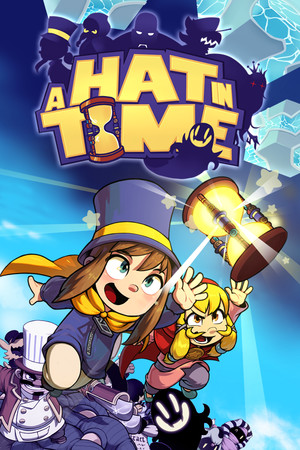
A Hat in Time Save File 100% – All Time Pieces + All Hats
Completed save file for A Hat in Time on PC. Every Time Piece is collected, the final boss is defeated, all hats, badges and dyes are unlocked, every relic stand on the spaceship is filled, and the Seal the Deal and Nyakuza Metro DLC chapters are completed for players who own them.
| Game | A Hat in Time |
| Platform | PC (Steam) |
| Steam App ID | 253230 |
| Completion | 100% — All Time Pieces + All Collectibles |
| Game Version | Latest |
| File Format | .hat (A Hat in Time save slot) |
| File Size | 1 MB (ZIP) |
| Saves Included | 100% slot + Pre-final-boss slot |
| Last Updated | October 11, 2026 |
Important: Back up your SaveData folder before replacing anything. A Hat in Time keeps its saves inside the game's install folder, so verifying or reinstalling the game can also affect them.
HatinTimeGame\SaveData\ and backup the existing .hat slot files.slot files into SaveData, overwriting the existing ones.DLC content in the save (Seal the Deal and Nyakuza Metro) only shows up if you own those DLCs. Without them, the save still loads with all base game Time Pieces and collectibles complete.
...\steamapps\common\HatinTime\HatinTimeGame\SaveData\ as slot1.hat, slot2.hat, etc.A Hat in Time is a cute-as-heck 3D platformer developed by Gears for Breakfast and released in 2017 after a hugely successful Kickstarter campaign. It follows Hat Kid, a tiny space traveler trying to recover the Time Pieces that fuel her spaceship.
Inspired by classic collect-a-thon platformers, the game sends players through colorful worlds like Mafia Town and Subcon Forest, each packed with acts, secrets, relics and hats that grant new abilities.
Collecting every Time Piece, relic and badge — plus beating the DLC's Death Wish challenges — takes real dedication. This save gives you the fully completed adventure instantly, ready for replays, Time Rifts or challenge runs.