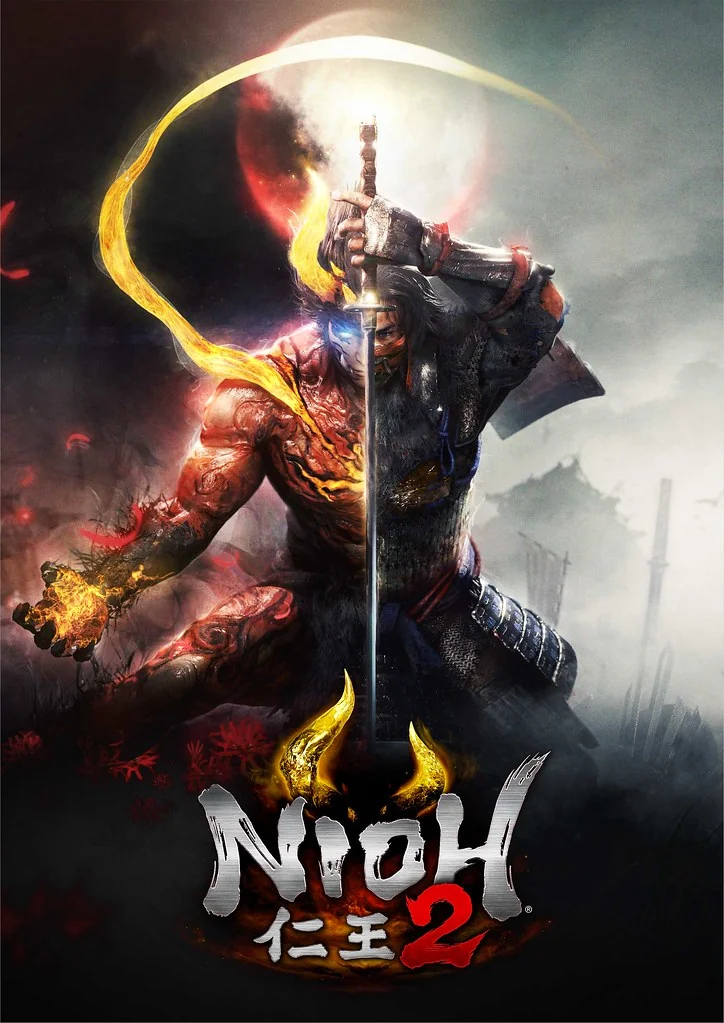
Nioh 2 Save File 100% – All DLC + Dream of Nioh + All Underworld
100% complete save file for Nioh 2: The Complete Edition on PC. All three DLC expansions completed on all difficulties, Dream of Nioh unlocked, all 108 Underworld floors and 30 Depths of the Underworld floors cleared, all Kodama found, all Locks of Hair collected, max weapon proficiency on all weapon types, all 88 Steam achievements unlocked.
| Game | Nioh 2: The Complete Edition |
| Developer | Team Ninja / Koei Tecmo |
| Platform | PC (Steam) |
| Completion | 100% — All Missions + All DLC + All Difficulties |
| Highest Difficulty | Dream of Nioh (NG+4) |
| DLCs Included | Tengu's Disciple, Darkness in the Capital, The First Samurai |
| Underworld | All 108 floors + All 30 Depths floors cleared |
| Achievements | 88 / 88 unlocked |
| Save Path | Documents\KoeiTecmo\NIOH2\Savedata\[steam-id]\ |
| File Format | SAVEDATA.BIN + BACKUP.BIN |
| File Size | ~10 MB (ZIP) |
| Last Updated | April 2026 |
Important: Nioh 2 on PC verifies that a save file belongs to your Steam ID. A downloaded save from another account will show an "Unable to load System Save File — This is another player's save file" error if loaded directly. Follow the steps below carefully to install successfully. Disable Steam Cloud and your internet connection before starting.
%USERPROFILE%\Documents\KoeiTecmo\NIOH2\Savedata\[your-steam-id]\SAVEDATA00\ — you should see SAVEDATA.BIN and BACKUP.BIN inside.NIOH2 folder by copying it to your desktop before proceeding.SAVEDATA.BIN from the extracted ZIP into your SAVEDATA00\ folder, overwriting the existing file.BACKUP.BIN to SAVEDATA.BIN (after backing up the original) and try again. Re-enable Steam Cloud and internet after your first successful save.Why offline mode? Nioh 2's save ownership check is tied to your Steam session. Launching in offline mode prevents the game from performing a live Steam ID validation against the save file, which is what triggers the "another player's save" error. This is the method confirmed by the Nioh 2 Steam Community and Nexus Mods. Once you save the game in-game, the file gets re-signed with your Steam ID and works normally online from then on.
%USERPROFILE%\Documents\KoeiTecmo\NIOH2\Savedata\[your-steam-id]\SAVEDATA00\. Inside you'll find SAVEDATA.BIN (your active save) and BACKUP.BIN (automatic backup from the previous session). Unlike most games the save is not in AppData — it's in Documents\KoeiTecmo.Nioh 2: The Complete Edition is an action RPG developed by Team Ninja and published by Koei Tecmo, released on PC via Steam on February 5, 2021. A prequel to the original Nioh, the game follows a half-human, half-yokai protagonist known only as Hide during Japan's Sengoku period — a time of civil war, supernatural chaos and feudal ambition. The Complete Edition bundles the base game with all three paid DLC expansions: Tengu's Disciple, Darkness in the Capital and The First Samurai.
Nioh 2 is built around one of the most complex and rewarding combat systems in the action genre — featuring 11 weapon types each with three stances, a Ki Pulse system demanding precise timing, Yokai Shift transformations that let you tap into supernatural power, and a Soul Core system for absorbing enemy abilities. The game layers traditional Soulslike challenge onto a deep action framework that rewards mastery far beyond pattern recognition.
Achieving 100% completion in Nioh 2 is among the most demanding feats in modern action gaming. Beyond clearing all missions across five difficulties and three DLC regions, true completion requires maxing out proficiency on all 11 weapon types, finding every Kodama and Hot Spring, clearing all 108 Underworld floors plus the 30 Depths floors, completing the brutal "Against All Comers" challenge on Dream of the Demon, and unlocking all 88 achievements — a journey spanning 200–400+ hours of dedicated play.