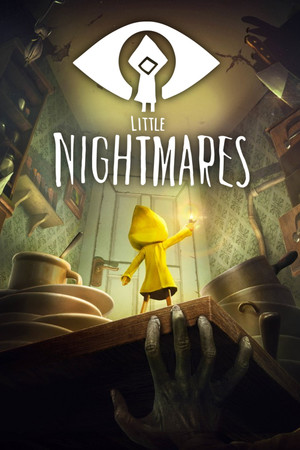
Little Nightmares Save File 100% – All Chapters + DLC
Completed save file for Little Nightmares on PC. Six has escaped The Maw after clearing every chapter, hugging all Nomes, breaking every statue and lighting every lantern. The Secrets of The Maw DLC chapters — The Depths, The Hideaway and The Residence — are also complete, and every chapter is unlocked for replay.
| Game | Little Nightmares |
| Platform | PC (Steam) |
| Steam App ID | 424840 |
| Completion | 100% — All Chapters + All Collectibles |
| Game Version | Latest |
| File Format | .sav (Unreal Engine slot saves) |
| File Size | 1 MB (ZIP) |
| Saves Included | 100% save + chapter-select save |
| Last Updated | October 13, 2026 |
Important: Back up your SaveGames folder before copying anything, and always keep each SaveSlot file together with its matching _meta.sav file — copying only one of them can break the slot.
Atlas\Saved\SaveGames\..sav files (both the slot and its _meta file)..sav files into the folder and overwrite when asked.The Secrets of The Maw chapters require the DLC to play, but the main-game progress loads on any copy. If you don't own the DLC, the DLC chapters simply won't appear in the menu.
Steam\steamapps\common\Little Nightmares\Atlas\Saved\SaveGames\ (the "Atlas" folder is the game's internal project name).Little Nightmares is a puzzle-platformer horror game developed by Tarsier Studios and published by Bandai Namco in 2017. You play as Six, a small girl in a yellow raincoat trying to escape The Maw — a vast underwater vessel full of grotesque, hungry inhabitants.
With no dialogue and a striking dollhouse-like art style, the game tells its story entirely through atmosphere. The Secrets of The Maw expansion adds three chapters following the Runaway Kid on a parallel escape.
Finding every Nome, statue and lantern means replaying chapters and searching every dark corner. This save gives you a fully completed run with all content unlocked.