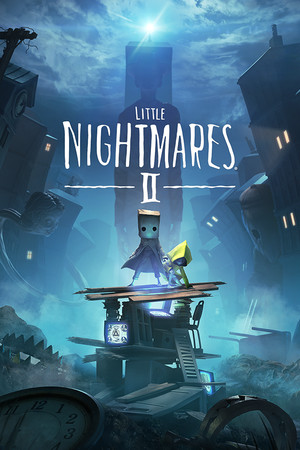
Little Nightmares II Save File 100% – All Hats + Secret Ending
Completed save file for Little Nightmares II on PC. Mono and Six have made it through the Wilderness, the School, the Hospital, the Pale City and the Signal Tower. Every hat is collected, all Glitching Remains are found and the secret ending is unlocked, with every chapter available for replay.
| Game | Little Nightmares II |
| Platform | PC (Steam) |
| Steam App ID | 860510 |
| Completion | 100% — All Chapters + Secret Ending |
| Game Version | Latest |
| File Format | .sav (Unreal Engine slot saves) |
| File Size | 1 MB (ZIP) |
| Saves Included | 100% save + chapter-select save |
| Last Updated | October 13, 2026 |
Important: Back up your SaveGames folder before copying anything, and always keep each SaveSlot file together with its matching _meta.sav file — copying only one of them can break the slot.
%LOCALAPPDATA%\Helios\Saved\SaveGames\ and press Enter..sav files (both the slot and its _meta file)..sav files into the folder and overwrite when asked."Helios" is the internal project name of Little Nightmares II, which is why the save folder isn't named after the game.
%LOCALAPPDATA%\Helios\Saved\SaveGames\Little Nightmares II is a puzzle-platformer horror game developed by Tarsier Studios and published by Bandai Namco in 2021. You play as Mono, a boy with a paper bag over his head, who teams up with Six to uncover the source of a mysterious signal broadcasting from a distant tower.
The sequel expands on the original with larger environments, new enemies like the Teacher and the Thin Man, and AI companion puzzles built around Six. Its ending is one of the most discussed twists in recent horror games.
Finding every hat and Glitching Remain requires careful exploration of every chapter. This save gives you a fully completed game with the secret ending unlocked.