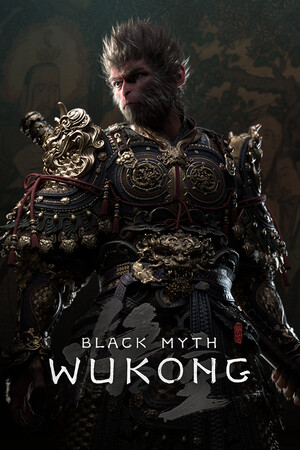
Black Myth: Wukong Save File 100%
Completed save file for Black Myth: Wukong on PC. The Destined One has finished all six chapters and reached the true ending, after tracking down every hidden area including the secret Chapter 6 conditions, Mount Huaguo and the optional Zodiac Village and Purple Cloud Mountain paths. Every Yaoguai King and secret boss is defeated, all spells and transformations are learned, every Spirit, Curio, Vessel and Gourd upgrade is collected, and the save is parked right before New Game+.
| Game | Black Myth: Wukong |
| Platform | PC (Steam) |
| Steam App ID | 2358720 |
| Completion | 100% — True Ending + All Bosses + All Collectibles |
| Game Version | Latest |
| File Format | .sav |
| File Size | 3 MB (ZIP) |
| Saves Included | 1 fully completed profile (NG+ ready) |
| Last Updated | October 24, 2026 |
Important: Black Myth: Wukong syncs saves via Steam Cloud. Right-click the game in your Steam Library → Properties → General and turn off Steam Cloud before copying the files, and back up your existing saves first.
b1\Saved\SaveGames\. Inside you will find a folder named with your SteamID64.ArchiveSaveFile .sav files into it and confirm overwrite.Keep your own SteamID64 folder name — only replace the files inside it. Renaming or deleting the folder makes the game create a fresh empty profile.
BlackMythWukong\b1\Saved\SaveGames\<SteamID64>\.Black Myth: Wukong is an action RPG from Game Science, released in 2024 and based on the classic Chinese novel Journey to the West. You play as the Destined One, a monkey warrior setting out to recover the six relics tied to the legendary Sun Wukong.
Combat centres on staff stances, focus points and a deep spell system, with transformations that let you take the form of defeated enemies. The six chapters are packed with Yaoguai Kings, hidden bosses and secret areas that are easy to miss without a guide.
Seeing the true ending means hunting down every secret requirement, and the toughest optional bosses demand serious grinding. This save gives you the whole journey finished with every spell and transformation unlocked.